
Praxis WetBenchSX Pro - Flat Edition
Why builders choose the WetbenchSX
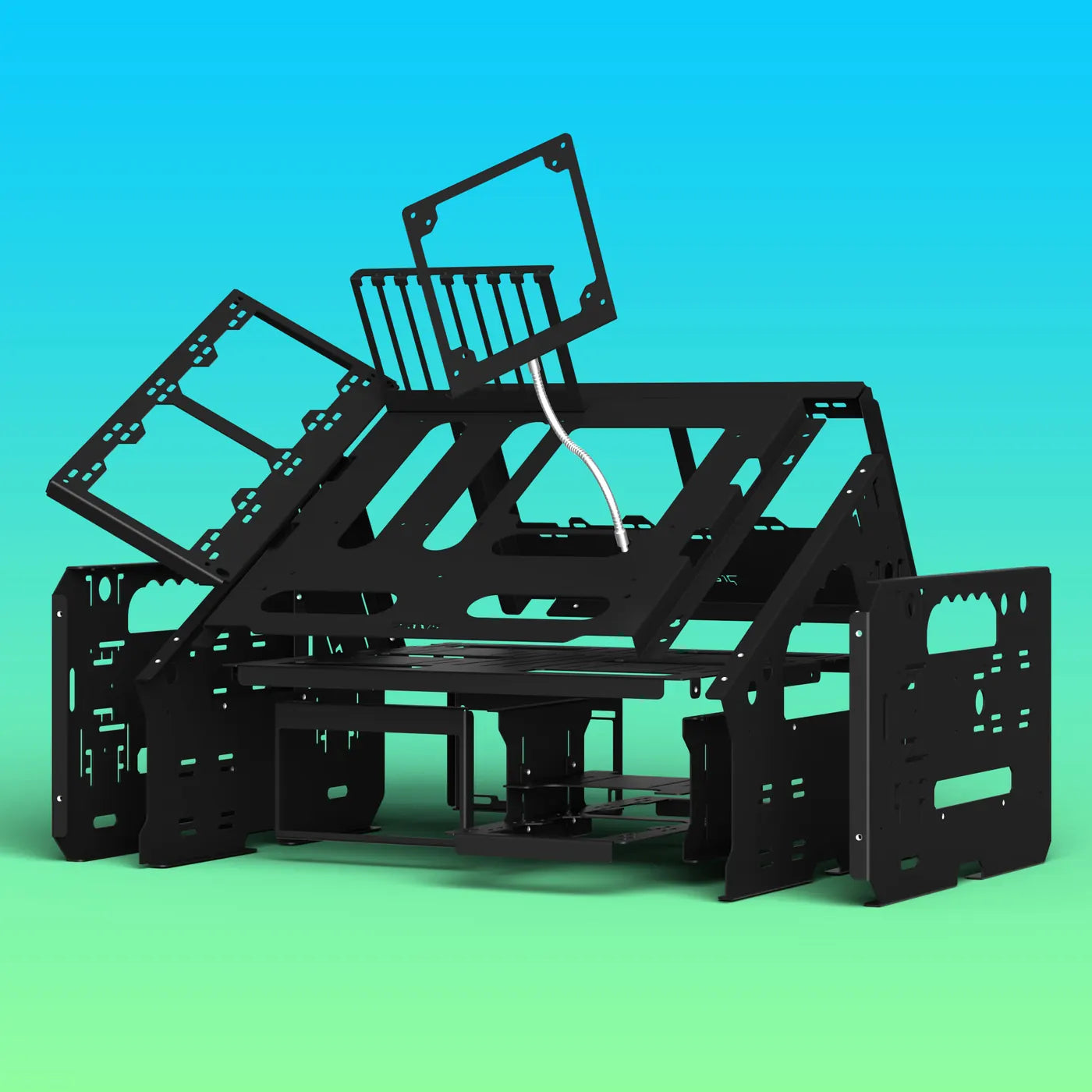
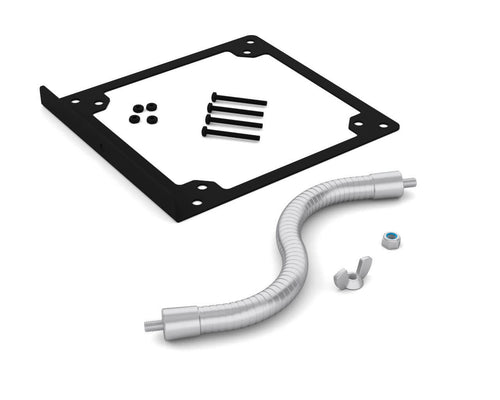
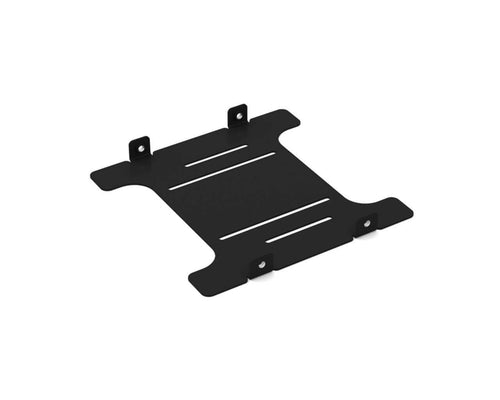
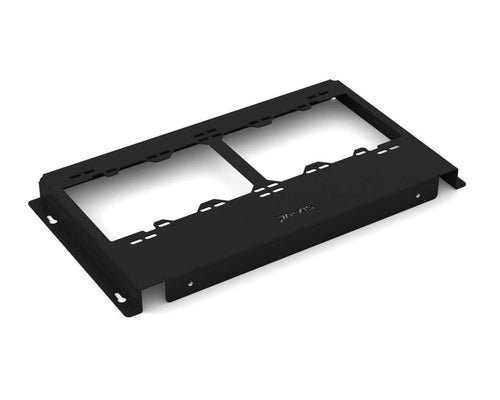
The WetbenchSX is PrimoChill's open test bench, built for water cooling: a powder-coated steel frame with room for up to four radiators, trays that slide off in seconds, and angled or flat legs. The Pro Flat Edition adds the brackets most builds need: an AIO / radiator bracket, a bottom radiator bracket, an HDD bracket and a fan arm, with the board low and level.
Up to four radiators, up to 480 or 560 mm, inside or outside the frame, with room for every PrimoChill reservoir.
The motherboard and radiator trays slide off under loose screws, so a hardware change never means a teardown.
Angled puts the whole loop on show. Flat sits low and level for LN2 pots, chillers and long benchmark runs.
AIO, drive, bay and fan brackets mount on the left or right and slide to where you need them.
Powder-coated steel, with anti-vibration pads for the feet, power supply and radiators in the box.
mITX to eATX, an ATX power supply, up to six drives, two 5.25" bays and up to four 16 mm switches.
Angled or flat
Same bench, two leg sets. Pick the posture that suits how you work.

Angled
The board tilts toward you, so the whole loop is in view and every port is in reach. Four radiator positions. About 338 x 440 x 435 mm without the GPU bracket.

Flat This bench
The board sits level and low, ready for LN2 pots, chillers and long benchmark sessions. Three radiator positions. About 338 x 385 x 250 mm without the GPU bracket.
Compare the editions
Every edition is the same steel bench. Pro adds the brackets for AIOs, a bottom radiator, drives and a fan. Complete adds both leg sets and doubles up on AIO brackets and fan arms.
| Basicfrom $189.99 | Profrom $219.99 | Complete$299.99 | |
|---|---|---|---|
| Motherboard tray, mid tray, GPU bracket | |||
| Back radiator tray | |||
| PSU brackets and 5.25" bay brackets | |||
| Power and reset switches | |||
| Legs | Angled or flat | Angled or flat | Both sets |
| AIO / radiator bracket | – | 1 | 2 |
| Fan arm | – | 1 | 2 |
| Bottom radiator bracket | – | ||
| HDD bracket | – | ||
| AngledFlat | AngledViewing | View Complete |
Room for real cooling
Built for water cooling first. Radiators mount inside or outside the frame, with no thickness limit on the back tray.
- Back radiator tray: 120 to 240 mm or 140 to 280 mm inside the frame, up to 480 or 560 mm outside it.
- Up to 4 radiators on the angled bench and 3 on the flat, with the add-on brackets.
- AIO / radiator bracket: mounts on either side and takes up to a 480 mm radiator. AIOs with 13" tubes are tested, and a second bracket fits a second AIO.
- Bottom radiator bracket: 240 or 280 mm under the board.
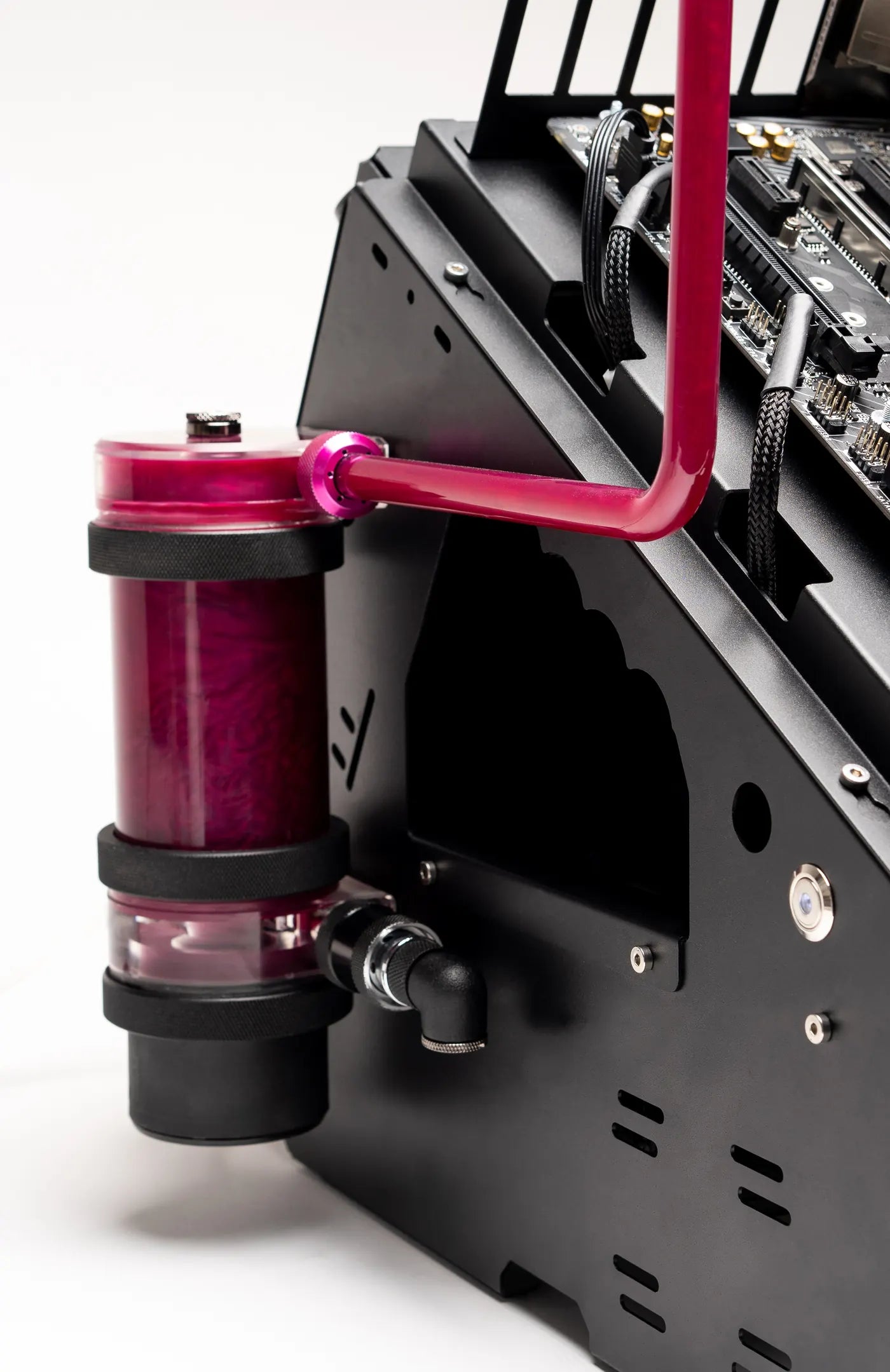
- Every PrimoChill reservoir fits, with standard mounting patterns for other reservoirs.

Built to swap parts fast
A test bench earns its keep on the tenth rebuild, not the first.
- Slide-off trays: the motherboard tray and radiator tray slide under loose screws, so they come off in seconds with the loop still assembled.
- Modular brackets: drive, bay and AIO brackets mount on the left or right and slide forward or back.
- Quiet: anti-vibration pads for the feet, power supply and radiators are in the box.
- Quick to build: powder-coated steel that goes together in minutes with one hex key.
Real builds
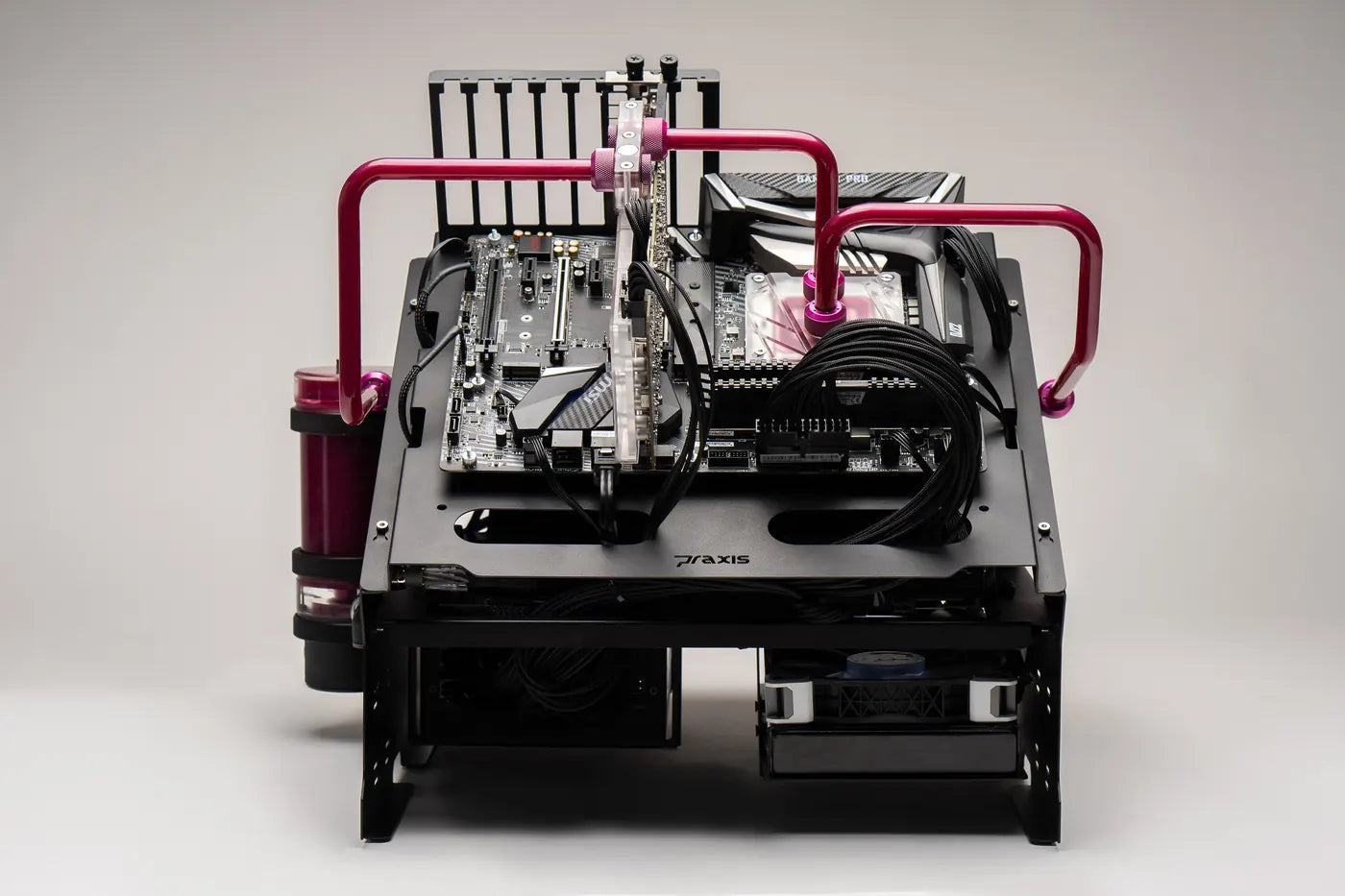
WetbenchSX with full custom loops. Tap any photo to see it full size.





Expand your bench
Add brackets as the build grows, or switch between angled and flat with the other leg set.




Installing your WetbenchSX
- Legs to the mid trayFour M4x6 low-head screws per side, with the mid tray overlapping the legs.
- Drives and power supplyMount drives on the mid tray with the nylon screws, fit the PSU bracket to the power supply and add the bay brackets.
- Standoffs and boardFit the 12 mm standoffs to match your board, secure it with the M3 nuts and add the GPU bracket.
- Slide on the board trayStart two M4x6 screws on each leg, slide the tray under them, then tighten or leave them loose for quick removal.
- Radiators and switchesSlide the radiator tray on at the back, add brackets on either side and wire the switches before mounting them.
Every bench ships with the hardware pack and a 2.5 mm hex key.
- Motherboard tray
- Mid tray
- Flat legs, left and right
- Front PSU bracket, flat
- GPU bracket
- Back radiator tray
- Back PSU bracket
- 2x 5.25" bay brackets
- AIO / radiator bracket
- Bottom radiator bracket
- HDD bracket
- Fan arm with fan bracket
- 2x power / reset switches
- Anti-vibration pads
- Hardware pack with 2.5 mm hex key
Read the full care and warranty details
Plan the standoffs. Fit the motherboard standoffs to match your board's layout before the board goes on, and hand-tighten the M3 nuts.
Test the switches first. Wire the vandal switches and test them before mounting them to the bench.
Radiator hardware. Use the screws that came with your radiator to mount it to the trays and brackets.
PrimoChill is not responsible for any hardware damage. Use at your own risk.
What buyers said
Left by people who bought this part here. Compatibility reports are the useful ones — if you fitted it, say which board.
Questions people ask about this bench
Answers specific to MWBH2-P-BK. If yours isn't here, ask — we'd rather talk you out of the wrong part than sell you one.
What does this part fit?
Is it in stock, and when will it ship?
Can I return it if it turns out not to fit?
Who handles the warranty?
Is shipping free?
Are printed instructions included?
Do I need anything else to use it?
Ask us before you order
Send your exact hardware model and we'll confirm the right part before you spend $219.99 — or tell you honestly that this isn't the one.
Returns are accepted within 30 days and are easy to start in the support center. Unopened items can be returned for store credit with no restocking fee; other returns carry a restocking fee, higher for items that have been installed or used.